How to choose the right receipt printer for your store
Jul 12, 2026 · 4 min read
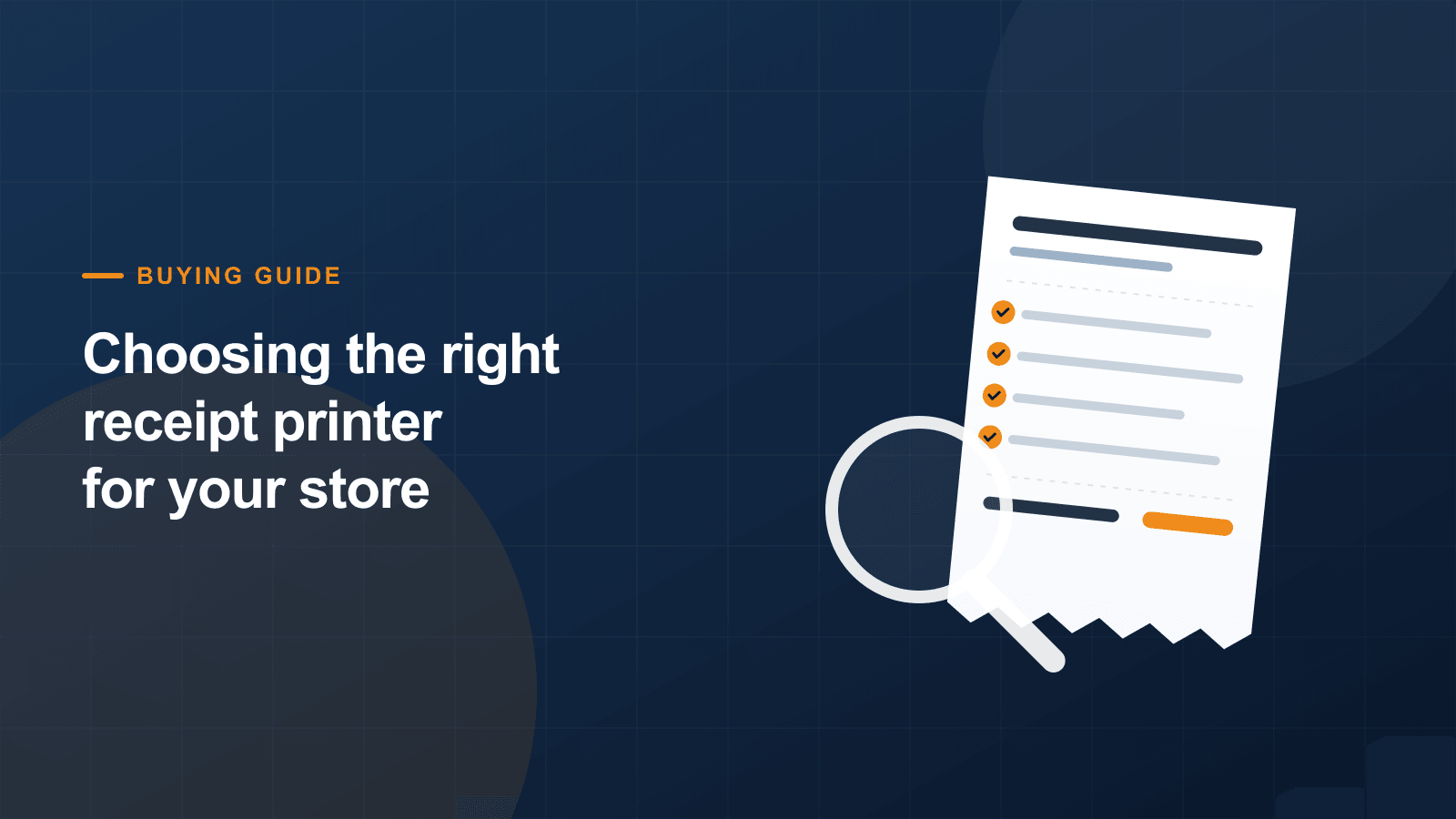
Most stores buy a receipt printer once and keep it for years, which makes the specification worth getting right the first time. Three decisions cover almost all of it: paper width, print speed and how the printer connects to your till.
Paper width: 58mm or 80mm
80mm is the standard for most retail and hospitality counters. It fits more characters per line, which keeps itemised receipts short and readable.
58mm suits tight counters, mobile setups and businesses printing short receipts — cafés, salons and market stalls. The rolls are cheaper, but long receipts become very long.
Print speed
Speed matters more than people expect. A 90mm/s printer takes roughly four seconds to clear a long itemised receipt; a 250mm/s unit does it in well under two. On a busy Saturday that difference is the queue.
For low-volume counters, 90mm/s is perfectly adequate. For supermarkets, busy bars or anywhere queues form, specify 200mm/s or faster.
Connectivity
USB is the simplest option and ties the printer to one machine. LAN lets several tills share one printer and survives the connected PC being replaced. Bluetooth suits tablet-based EPOS.
If you run a tablet till, check Bluetooth support for your specific operating system before ordering — iOS in particular is stricter than Android.
Don't forget the cash drawer port
If you take cash, an RJ11 or RJ12 port lets the printer open the drawer the moment the receipt prints. It's a small detail that removes a deliberate action from every cash transaction.
Not sure which model fits?
Tell us how you work and we’ll point you at the right printer — including when the cheaper option is the right one.